Why Is My Sprinkler Timer Not Working?
By Richard Mora, ROC #319237 • March 8, 2026 • 9 min read
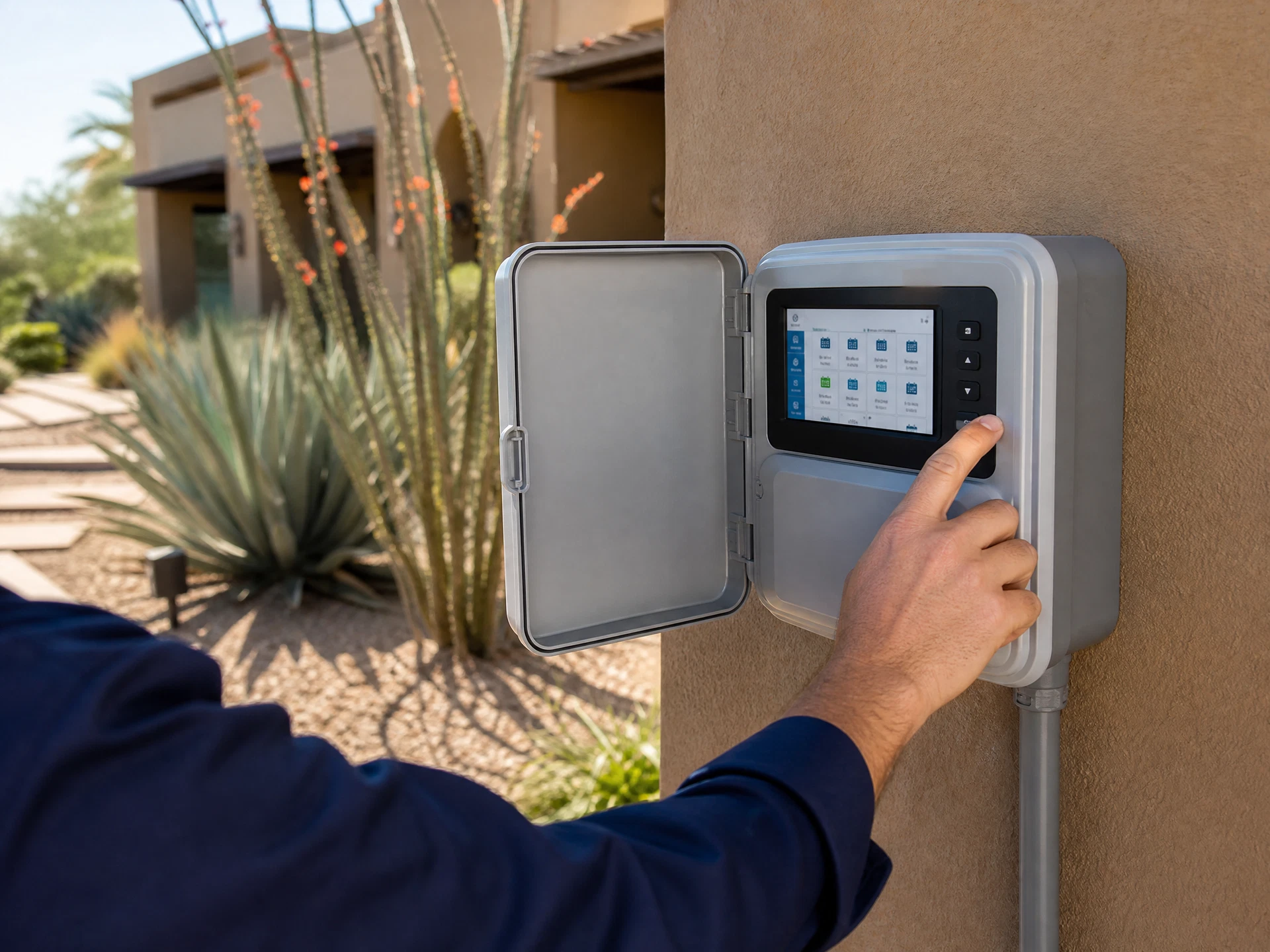
Your sprinkler timer (irrigation controller) is the brain of your entire system. When it fails, nothing runs — and your landscape suffers. Here are the 7 most common reasons irrigation controllers stop working in Phoenix, and how to diagnose each one.

Quick Diagnosis Checklist (Start Here)
7 Reasons Your Irrigation Controller Isn't Working
1. Power Supply Failure
The most common cause of a completely dead controller. The transformer converts 120V AC household current to 24V AC for the controller and solenoids. Transformers fail from power surges, lightning strikes, and age. A controller with no display, no lights, and no response is almost always a power issue.
How to Check
Verify the outlet has power (plug in a lamp). Check the circuit breaker. Test transformer output with a multimeter — should read 24–28V AC between the common and hot terminals.
How to Fix
Replace the transformer ($15–$40). Most controllers use a standard 24V AC transformer with a barrel connector.
2. Incorrect Programming
Controllers reset to factory defaults after power outages, battery failures, or accidental button presses. A controller that appears to be working but isn't running zones on schedule has almost certainly lost its programming. This is especially common after Arizona monsoon season power surges.
How to Check
Review the current program: check start times, run times per zone, and active days. Verify the controller's clock shows the correct time and day.
How to Fix
Re-enter the watering schedule. Take a photo of your settings before monsoon season each year as a backup.
3. Dead or Missing Backup Battery
Most controllers use a 9V or AA battery backup to retain programming during power outages. When the battery dies, the controller loses its schedule every time power flickers. Phoenix averages 15–20 brief power interruptions per year — without a good battery, your schedule resets repeatedly.
How to Check
Open the controller face panel and locate the battery compartment. Test the battery voltage — a 9V battery below 7V should be replaced.
How to Fix
Replace the backup battery annually, ideally before monsoon season (June). Use a lithium battery for longer life in Arizona's heat.
4. Rain Sensor or Flow Sensor Override
Many Phoenix irrigation systems have a rain sensor or soil moisture sensor that overrides the controller when conditions are wet. If the sensor is faulty, stuck, or improperly positioned, it can prevent the system from running even in dry conditions. This is a frequently overlooked cause of a 'dead' system.
How to Check
Locate the rain sensor (usually mounted on a fence or eave). Check if it has a bypass switch — temporarily bypass it and run the system manually to test.
How to Fix
Clean the sensor disc (it expands when wet to interrupt the circuit). Replace the sensor if it's stuck in the 'wet' position. Adjust mounting position if it's in a shaded area that stays damp.
5. Wiring Fault at the Controller
Each zone valve connects to the controller via a two-wire circuit: a zone wire and a common wire. Corroded terminals, loose connections, or a broken common wire will prevent one or all zones from activating. A broken common wire is particularly deceptive — it looks like every zone has failed simultaneously.
How to Check
Inspect all terminal connections at the controller for corrosion or looseness. Test continuity between the common terminal and each zone terminal using a multimeter.
How to Fix
Clean corroded terminals with a wire brush. Re-strip and re-terminate loose wires. If the common wire is broken underground, a professional wire trace is required.
6. Controller Board Failure
After 10–15 years of operation, controller circuit boards fail from heat cycling, moisture intrusion, and component aging. Arizona's extreme temperature swings (40°F winters to 115°F summers) accelerate this degradation. A controller that runs some zones but not others, or produces erratic behavior, may have a failed output board.
How to Check
Test each zone using the manual run function. If some zones work manually but not on schedule, it's a programming issue. If some zones never activate regardless of method, the output board for those zones has likely failed.
How to Fix
For controllers under 10 years old, check if replacement boards are available. For older units, full controller replacement ($50–$300 depending on zone count) is usually more cost-effective than repair.
7. Smart Controller Connectivity Issues
Wi-Fi enabled controllers (Rachio, Rain Bird ST8, Hunter Hydrawise) can appear to malfunction when they're actually experiencing connectivity problems. A controller that won't respond to the app, runs at wrong times, or skips scheduled cycles may simply have lost its Wi-Fi connection or sync with the cloud service.
How to Check
Check the controller's Wi-Fi indicator light. Try power-cycling the controller. Open the manufacturer's app and check for sync errors or offline status.
How to Fix
Re-connect to Wi-Fi through the controller's setup menu. If the controller repeatedly loses connection, move the router closer or add a Wi-Fi extender. Check if the manufacturer's cloud service has an outage.
Brand-Specific Reset & Troubleshooting Guide
| Controller Brand | Common Failure | Factory Reset |
|---|---|---|
| Rain Bird ESP-Me / ST8 | Power surge damage, wiring terminal corrosion | Hold 'OFF' for 5 seconds, then reprogram |
| Hunter Pro-C / X2 | Module failure on individual zones, battery drain | Remove all modules, reinsert, power cycle |
| Rachio 3 / 3e | Wi-Fi connectivity loss, cloud sync errors | Hold button for 10 seconds until light flashes |
| Orbit B-hyve | App pairing issues, schedule not syncing | Hold Wi-Fi button for 10 seconds |
| Toro TDDCX | Display failure, programming loss after power outage | Remove battery and AC power for 30 seconds |
Note: Factory resets erase all programming. Document your schedule before performing a reset.
When to Repair vs. Replace Your Controller
Controllers under 7 years old with a single failed component (transformer, battery, wiring) are almost always worth repairing. Controllers over 10 years old with multiple issues, or any controller that has suffered lightning damage, are usually better replaced. Modern smart controllers like the Rachio 3 ($150–$250) pay for themselves in water savings within 1–2 years through weather-based scheduling.
Our irrigation controller repair service includes a full diagnostic — we'll tell you honestly whether repair or replacement is the better investment for your specific situation. We install and program all major brands including Rain Bird, Hunter, Rachio, Orbit, and Toro.
For homeowners considering an upgrade, our smart irrigation controller installation service includes full programming, Wi-Fi setup, and a seasonal watering schedule optimized for your specific plant types and Phoenix microclimate zone.
Professional Irrigation Services in Phoenix & Scottsdale
Arizona Irrigation Repair LLC diagnoses and repairs all irrigation controller brands throughout the Phoenix Metro area. Licensed, insured, and family-owned since 1995.
Related Resources
How to Tell If Your Irrigation Valve Is Bad
6 symptoms of a failing irrigation valve and how to diagnose them
Signs Your Irrigation System Needs Repair
Early warning signs every Phoenix homeowner should know
How Often Should You Service Your Sprinkler System?
Recommended maintenance schedule for Arizona homeowners
Smart Controller Benefits in Phoenix
Why upgrading to a smart controller saves water and money
